
For the common direct-fiber BGW320 installation, the cable to check is a single-mode, simplex SC/APC-to-SC/APC fiber patch cord. Verify both installed connectors before ordering. A BGW320 connected through a separate ONT may instead use an Ethernet cable at its WAN port.
A cable that is too short can leave your gateway beside the wrong wall, while a damaged jumper can interrupt service. Searching for an "AT&T BGW320 fiber cable" is a useful starting point, but the gateway model alone does not identify every installed connection. The wall outlet, gateway port and connector at each end determine what you need.
This guide explains how to identify that last indoor cable, plan its length and specify matching passive components. For contractors and distributors, it also provides a practical purchasing checklist and GLORY product options.
Independent guide from Glory Optical Communication. AT&T service procedures remain subject to AT&T support. The component recommendations below do not claim AT&T certification or endorsement.

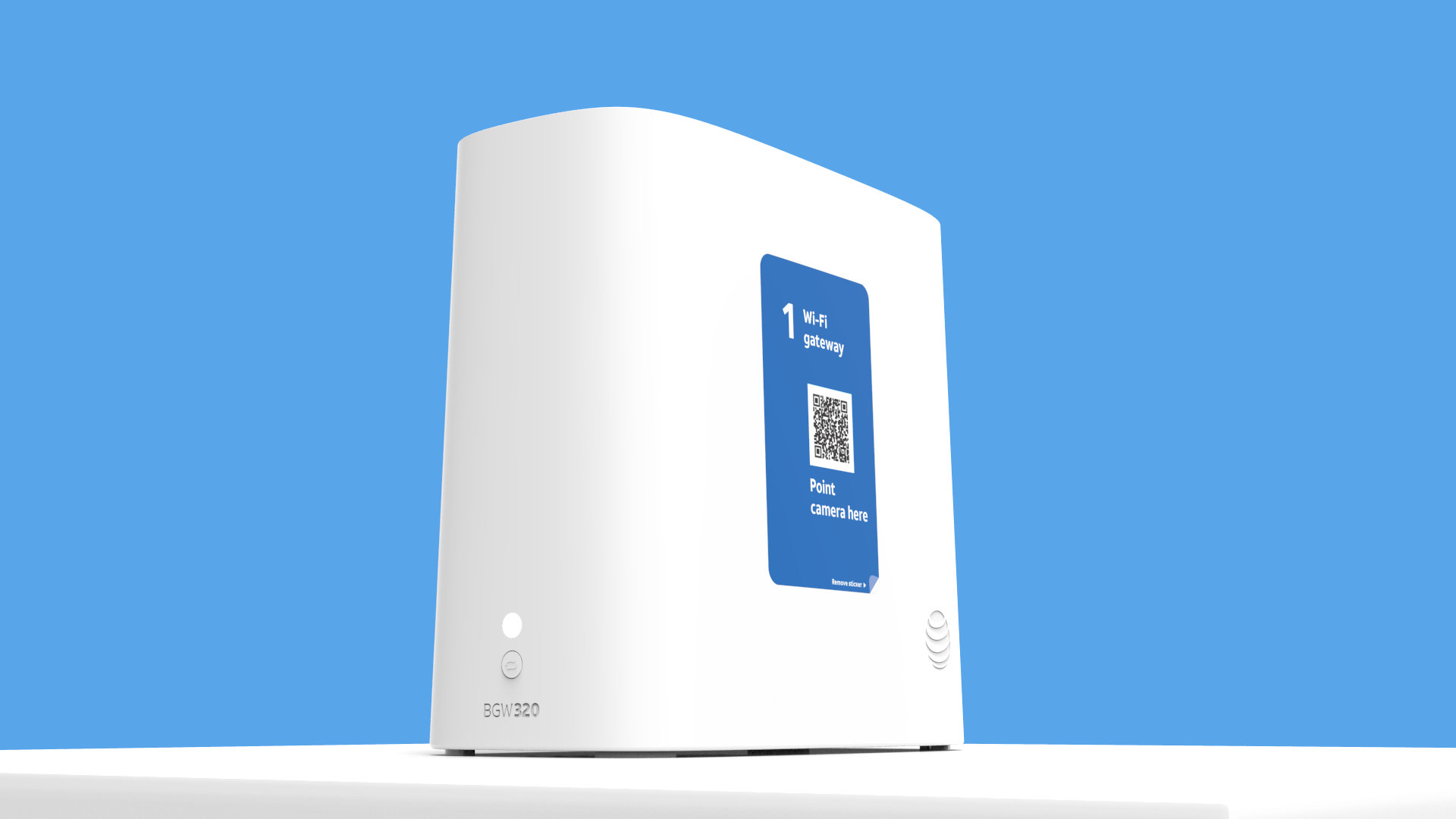
AT&T BGW320 Wi-Fi gateway. Image: AT&T official setup-video thumbnail. View AT&T's BGW320 setup page · Original image.
1. Identify the Connection Before Buying a Cable
AT&T documents two BGW320 arrangements: a green-tipped fiber lead from a fiber jack, and a red-tipped Ethernet lead from a separate optical network terminal. The distinction appears in AT&T's replacement BGW320 setup guide.
| What reaches your BGW320? | Connection path | What to identify |
|---|---|---|
| Optical jumper connected through the installed optical module | Fiber wall jack → fiber jumper → BGW320 optical module | Fiber mode, connector type and polish at both ends |
| Ethernet cable from a separate ONT | Fiber → separate ONT → Ethernet → BGW320 ONT/WAN port | Ethernet port, cable category and required link speed |
| Ethernet from a LAN port to your own equipment | BGW320 LAN → switch, computer or access point | This is a home-network cable, separate from the incoming optical jumper |
Read the port labels and trace the existing cable. Its outer jacket color is only a clue. Take photographs of the cable labels and accessible connector housings before asking a supplier to identify a replacement.
A fiber jack, an ONT and an adapter do different jobs
A passive fiber wall jack holds and protects an optical connection. An ONT is powered equipment that terminates the provider's optical service. An SC/APC adapter aligns matching fiber connectors; it does not perform optical-to-Ethernet conversion.
That distinction matters when buying parts. A new wall socket will not replace a missing ONT, and a passive coupler cannot turn a fiber lead into a cable for an Ethernet port. For the wider network context, see GLORY's FTTH installation and ODN guide.
2. What Connector Does the BGW320 Fiber Cable Use?
For the usual direct-fiber arrangement, identify an SC/APC connector at each end of a single-fiber jumper. The manufacturer's BGW320-505 installation instructions describe an optical-module connection and SC/APC pigtail preparation; see the archived Nokia BGW320-505 product guide, installation chapter. This model-specific document is useful identification evidence, not blanket approval for a third-party cable on every AT&T installation.
| Specification | Meaning | Ordering check |
|---|---|---|
| SC | Connector format | Match the installed port; an LC connector is a different size |
| APC | Angled physical-contact end face | Match APC at each mating interface |
| Simplex | One optical fiber | Do not order a two-fiber duplex assembly merely because it has two connectors |
| Single-mode | Fiber transmission type | Look for a documented single-mode assembly; OS2 9/125 µm is a common listing |
| SC/APC to SC/APC | Same interface at both cable ends | Verify the wall-jack end as well as the equipment end |
Green and blue connectors are not interchangeable
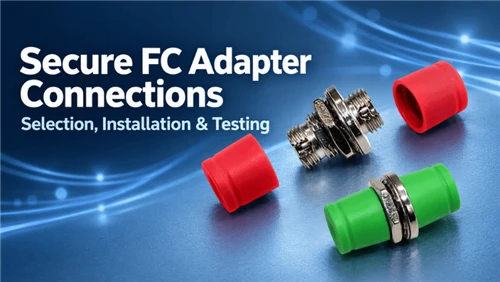
Green commonly identifies APC, while blue commonly identifies single-mode PC/UPC. The Fiber Optic Association's installation standard cautions against mixing these connector finishes. Matching the housing shape alone is insufficient.
A green adapter does not convert a blue UPC connector into APC. For illustrations of the interface families, use GLORY's SC, LC and other fiber connector guide.
Do not confuse the optical module with the jumper
The plug-in optical module and the fiber cable are different components. When the exposed jumper is too short, the selection task is to identify that jumper. Do not assume a generic SFP/SFP+ module can replace the provider-configured optical module, or that buying a cable changes how the service is provisioned.
3. Can You Use a Longer BGW320 Fiber Cable?
A longer correctly specified jumper can be technically suitable, but route length, connector fit, cable protection and service arrangements all matter. AT&T's BGW320 FAQ directs customers to arrange a technician appointment when the desired gateway position is beyond the existing cable's reach. Use that route for an AT&T-managed relocation.
For planning an approved installation, measure the actual pathway rather than the straight-line distance between the jack and gateway.
Required length = routed distance + accessible service slack at both ends.
For example, an 8 m wall-and-cabinet route with 1 m of planned slack needs 9 m of cable. A 10 m assembly is a candidate only if the extra length can be stored without tight loops or pressure. This is a planning example, not an AT&T length specification.
Will 10 m or 20 m of fiber slow down the connection?
A longer patch cord does not automatically reduce the service speed. It adds optical attenuation, which must fit within the complete link budget. Damaged fiber, contamination and poor routing can create much larger problems than a modest change in length.
As an illustration, an assumed attenuation of 0.4 dB/km gives 0.008 dB over 20 m. That calculation covers straight fiber only; it excludes connectors, bends and the existing network. It is not a universal loss limit or an AT&T acceptance value.
Bend-insensitive fiber still needs careful routing
ITU-T G.657 defines single-mode fibers with improved bending-loss performance. A G.657 designation does not mean a finished cable can be folded, stapled or trapped under furniture. Use the assembly supplier's installation and operating bend-radius limits, which also account for its jacket and construction.
Route the cable where connectors remain accessible and the gateway can be serviced without pulling on either end. For practical routing and inspection guidance, see GLORY's fiber patch cable installation guide.
4. Replace the Jumper or Add an SC/APC Coupler?
For a planned route, GLORY recommends evaluating one continuous jumper first. It keeps the route simpler and avoids adding another connection to inspect. Joining two leads can be appropriate in an approved design, but the adapter and both mating connectors must match.
| Situation | Candidate approach | What must be checked |
|---|---|---|
| Existing removable lead is too short | One longer factory-terminated jumper | End interfaces, route, jacket and slack |
| Two existing leads must be joined | Matching SC/APC simplex adapter | Additional connection loss, cleanliness and protected mounting |
| Wall jack or fixed cable is damaged | Provider or qualified installer assessment | Extent of damage and authority to alter the termination |
| Only Wi-Fi coverage needs improvement | Review router/access-point placement and Ethernet options | Whether the optical termination needs to move at all |
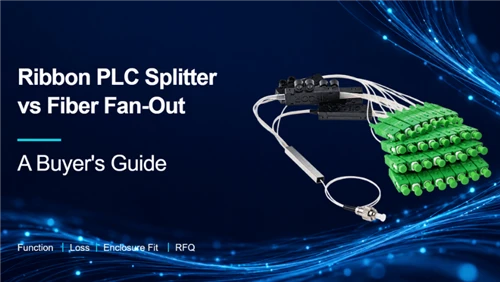
A coupler is not a splitter. It connects one optical path; it does not create a second independently provisioned AT&T connection. Adding a PLC splitter behind the wall jack is not a substitute for ordering another service.
5. AT&T Fiber Cable Replacement: Checks Before Reconnection
Use the provider's instructions for your installation. For handling a removable optical jumper, the following checks help prevent avoidable faults:
- Identify the affected component. Separate damage to the loose jumper from damage to the wall jack, fixed drop or optical module.
- Record the original connections. Photograph accessible labels and both ends, and retain the original configuration information.
- Confirm the replacement specification. Check SC/APC at both ends, single-mode fiber, simplex construction, route length and jacket suitability.
- Protect the optical interfaces. Never look into a fiber connector or optical port. Keep protective caps in place until needed and avoid touching the end faces. Trained installers should inspect and clean using suitable fiber tools, as described in the FOA installation standard.
- Check the completed route. Remove tension, pinching and tight turns. If service remains unavailable, use AT&T's BGW320 support resources rather than repeatedly swapping unrelated parts.
Do not assume every red light means the fiber jumper is defective. Equipment state, provisioning and upstream network faults can also require provider investigation.
6. GLORY Products for Matching Indoor Fiber Connections
These recommendations are for contractors, distributors and project buyers specifying passive parts. Confirm the installed interfaces and project requirements before sample approval. A consumer needing an AT&T service repair should start with AT&T support.

Official GLORY product photograph
SC/APC indoor jumper: the closest product match
GLORY's SC APC to SC APC Simplex OS2 Fiber Patch Cable is a candidate where both installed ports require standard SC/APC single-mode connections.
The published configuration lists G.657.A1 fiber, a 2.0 mm PVC OFNR indoor jacket, insertion loss ≤0.3 dB and return loss ≥60 dB. Request the ordered assembly's test method and report; these are supplier-listed product values, not an AT&T approval statement.
Specify before ordering: required length, connector housing and boot clearance, jacket rating, labeling and test documentation. Confirm performance at the wavelengths required by the project rather than assuming a limited datasheet table covers every service configuration. The indoor construction is not a direct-burial or weatherproof drop cable.

Official GLORY product photograph
SC/APC simplex adapter: for a protected mating point
The GLORY SC APC SX Adapter provides a flanged simplex interface with a ceramic alignment sleeve. Its product page lists insertion loss ≤0.2 dB.
Use it where an approved assembly needs an SC/APC-to-SC/APC mating point inside a suitable outlet or panel. Specify the mounting aperture, retention method and dust protection. It is not required when one replacement jumper already reaches both endpoints, and it cannot correct mismatched connector polish.

Official GLORY product photograph
Indoor wall socket: for a defined termination project
GLORY's 2-Core FTTH Fibre Optic Wall Socket is a compact indoor termination option. The listed housing is 90 × 90 × 16 mm, with SC adapter and pigtail configurations available.
Consider it for contractor-built subscriber outlets or OEM kits needing organized termination and slack storage. Confirm the loaded SC/APC configuration, cable-entry fit, pigtail arrangement and mounting layout. It is not presented as a direct replacement for AT&T's branded wall jack or powered ONT.
A concise RFQ for project buyers
Use this starting specification after verifying the site interfaces:
Indoor single-mode simplex patch cord, SC/APC at both ends; route-based length; documented fiber grade and jacket rating; specified connector housing and boot; insertion-loss and return-loss report with test wavelengths and reference conditions; individual labeling and protective caps. Include matching adapters or loaded wall outlets only where shown on the approved drawing.
Add quantities and required delivery dates. For custom lengths, packaging and loaded outlet configurations, see GLORY's OEM/ODM service.
7. Frequently Asked Questions
Q: Is every BGW320 connected with fiber?
A: No. AT&T documents both direct optical input and Ethernet input from a separate ONT. Identify the installed path before ordering.
Q: Is the green-ended AT&T cable an Ethernet cable?
A: The green-tipped lead shown in AT&T's direct-fiber instructions is optical. Check the connector and port; color alone is not a complete cable specification.
Q: Can I replace SC/APC with SC/UPC?
A: Not at the same mating interface. Match the required polish at each connection; an adapter does not convert APC to UPC.
Q: Can I buy a longer cable to move the BGW320?
A: A matching longer jumper may be technically suitable. AT&T advises a technician appointment for a move beyond the supplied cable's reach. Agree the relocation route before buying components.
Q: What is the maximum BGW320 fiber cable length?
A: The AT&T consumer guidance cited here does not provide one universal replacement-jumper maximum. Suitability depends on the complete optical path, cable construction, routing and provider requirements.
Q: Does a yellow jacket mean the jumper is wrong?
A: No. Jacket color is not enough to establish compatibility. Confirm single-mode fiber, both connector interfaces, polish, length and the required jacket rating.
Q: Do I need a new wall socket with a longer jumper?
A: Not necessarily. If the existing socket is sound and the approved interface remains suitable, the removable jumper may be the only passive part that needs changing.
Q: Is the GLORY patch cable AT&T-certified?
A: No AT&T certification is claimed in this guide. It is a specification-based candidate for matching SC/APC indoor links, subject to installation requirements and sample verification.
Specify the Connection Before You Order
Start with the actual wall-jack and equipment interfaces, then measure the protected route. For project purchasing, send GLORY connector photos, required lengths, installation environment and quantities so the jumper, adapter and outlet can be reviewed as one configuration.
Contact Glory Optical for a cable and termination-component quotation.